JamesOfGoo's NotWOG2 Project Levels
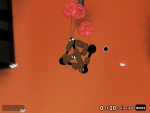
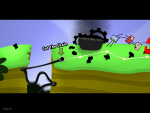
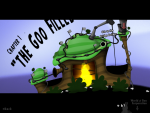
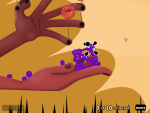
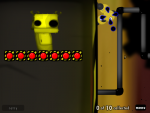
Back when me, James, and a few other folks were working on the fanmade sequel project, there were a few ideas for storylines, new Goo Balls, and levels floating around. Nobody did anything with them. Well, hardly anybody. While the rest of us threw ideas around and talked stuff over and generally did nothing whatsoever, James here went off and actually did something. James made levels. Lots of them.
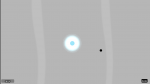

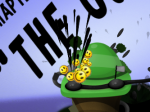
 Will replace the background leaves particles with random smileys
 Will replace sign exclamation particles
 Will replace goo sleeping particles
 (wait, is that me?)